Natas0 -> Natas1
We start our journey here Natas - OverTheWire
Keep in mind: All passwords are also stored in /etc/natas_webpass/
We'll need to login using the credentials provided to Natas0
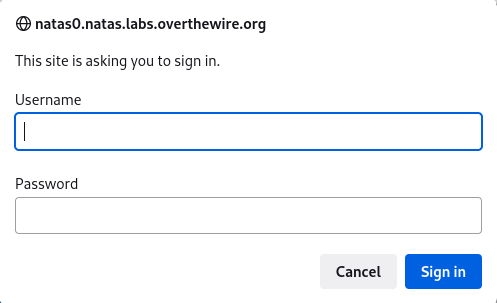
After our login, we get the following page:
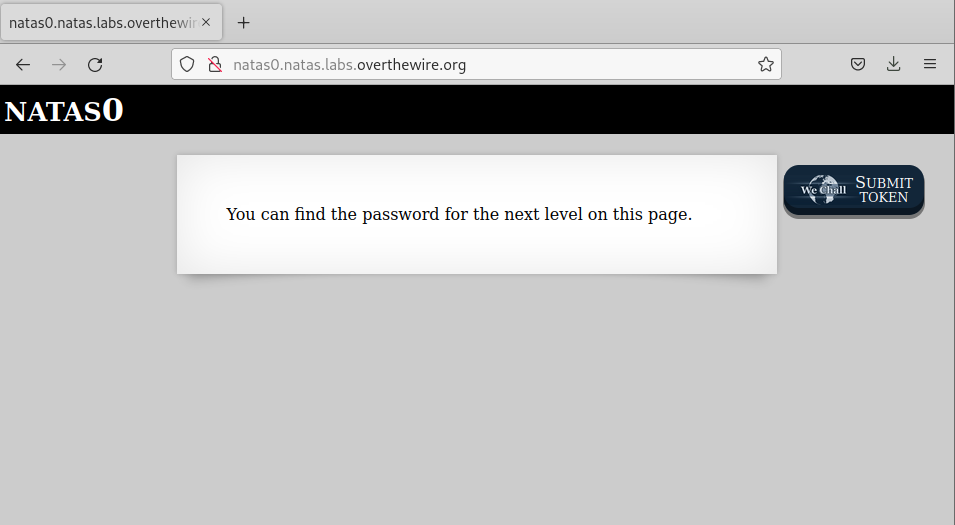
The page itself offers a hint as to where we can go to find the path forward.
You can find the password for the next level on this page.
We can achieve what we are looking for in a few ways.
Using cURL:
Specifically since natas uses basic authentication, we will need to provide credentials when using cURL, we can do that with the -u flag
curl -u "natas0:natas0" http://natas0.natas.labs.overthewire.org
View-Source:
We can right click the webpage and select View Page Source
This will open another tab displaying the HTML contents of the webpage.
Developer Tools:
We have a view options here:
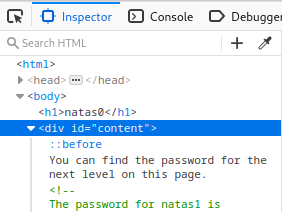
Inspector
We can highligh and expand the HTML tags to narrow down on what we want to look at.
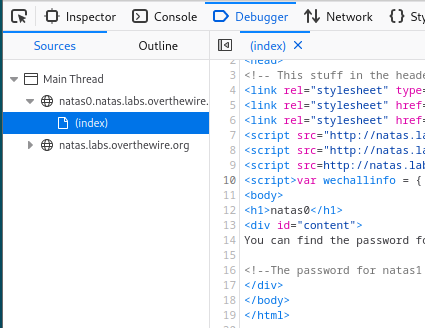
Debugger
We can view the index.html (in this example) to view the contents of the index.html file processed by the browser
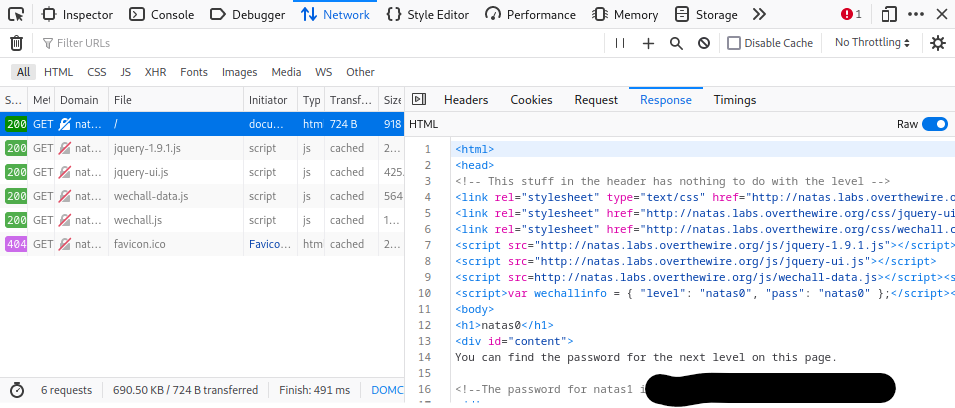
Network
We can view the files that we fetched and processed by our browser (and the status message/method used). We view the Headers, Cookies, Request, Response, and Timings as well.